
Transfer Widgets for Football Streams: How to Cover Transfers Like a Pro
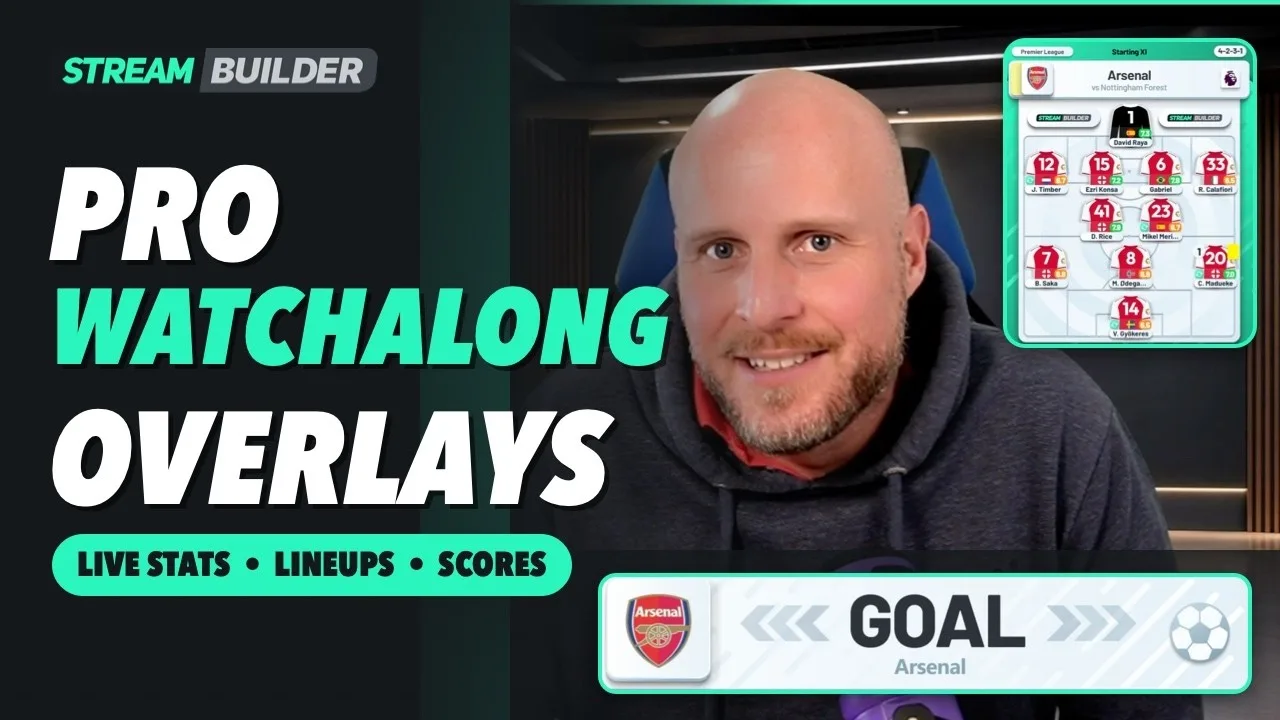
Transfer news moves fast, and a transfer show lives or dies on how clearly it lands. Saying a player is on the move is one thing. Showing who he is, where he is going and what he brings is what keeps viewers watching. That is what a transfer widget is for, and the video above shows one in action.
What a transfer widget is
A transfer widget is a graphic that puts the story on screen while you talk. Instead of describing a player and hoping viewers know him, you bring up a clean player card with the key details: age, club, position, nationality and stats. It sits over your camera in your stream, so the news and the face reacting to it share the same frame.
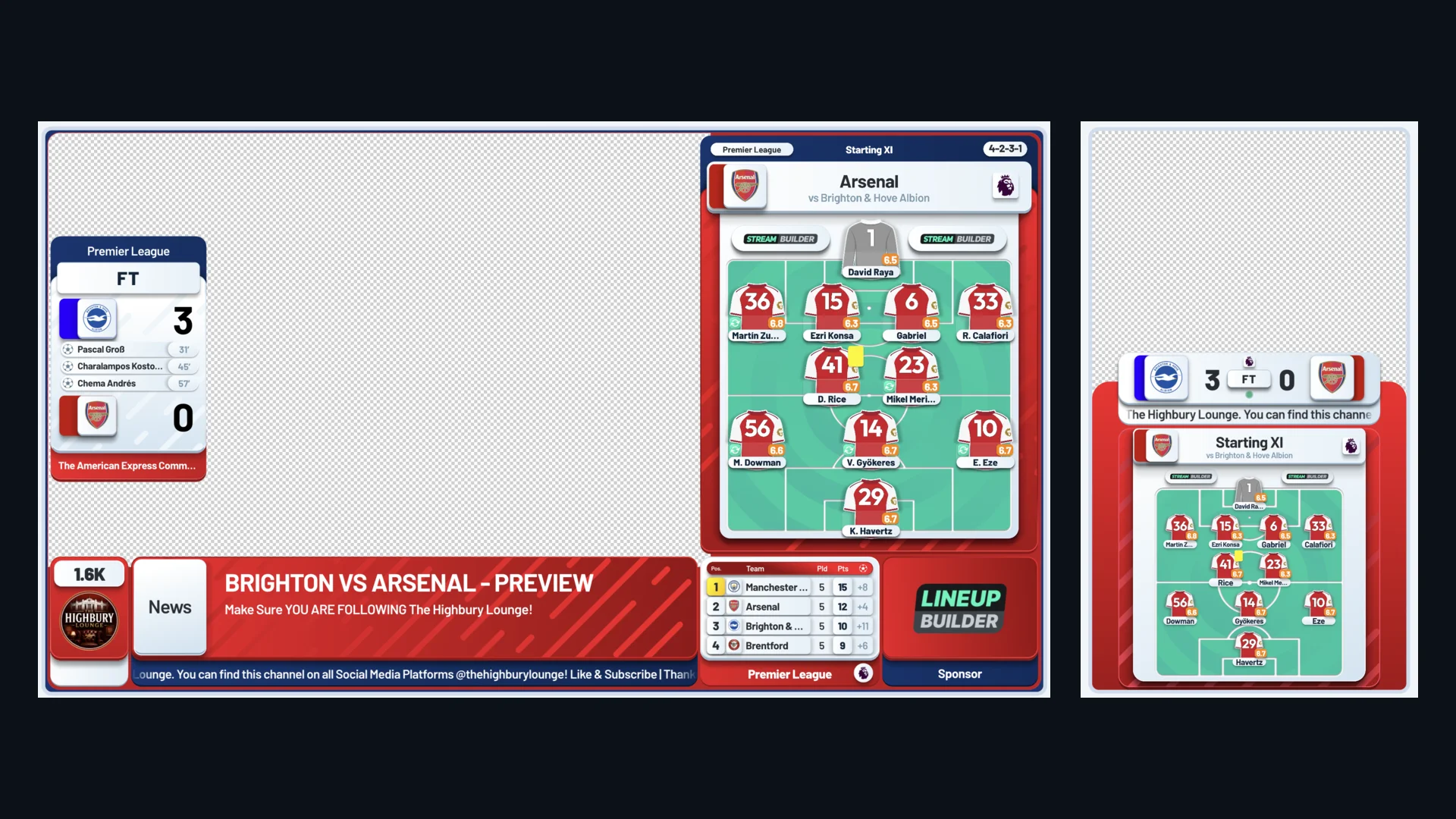
It is one of the widgets in the Stream Builder library, alongside the score bug, lineups and live stats that power a watchalong.
Why transfer shows need one
Transfer content is full of names viewers half know. A widget solves three problems at once:
- Context: a new face is not a stranger when his age, position and club are on screen the moment you mention him.
- Pace: you can move from one rumour to the next without stopping to explain who everyone is.
- Credibility: a stream with proper graphics reads as a show, while a webcam and a rumour reads as a chat. Viewers decide in seconds which one they are watching.
Transfer windows and news cycles are engagement seasons of their own, and the channels that treat them as shows with a running order keep viewers coming back every day, not only on match days.
What to put on screen
The best transfer shows keep the widget simple and let the host carry the opinion:
- The player card for the headline name, brought up as you break the story.
- A club-to-club move, so viewers can see the story at a glance.
- Player stats for done-deal breakdowns, which give you something concrete to argue about.
- A poll or prediction between stories, so the chat has a reason to vote and stay.
How it works on your stream
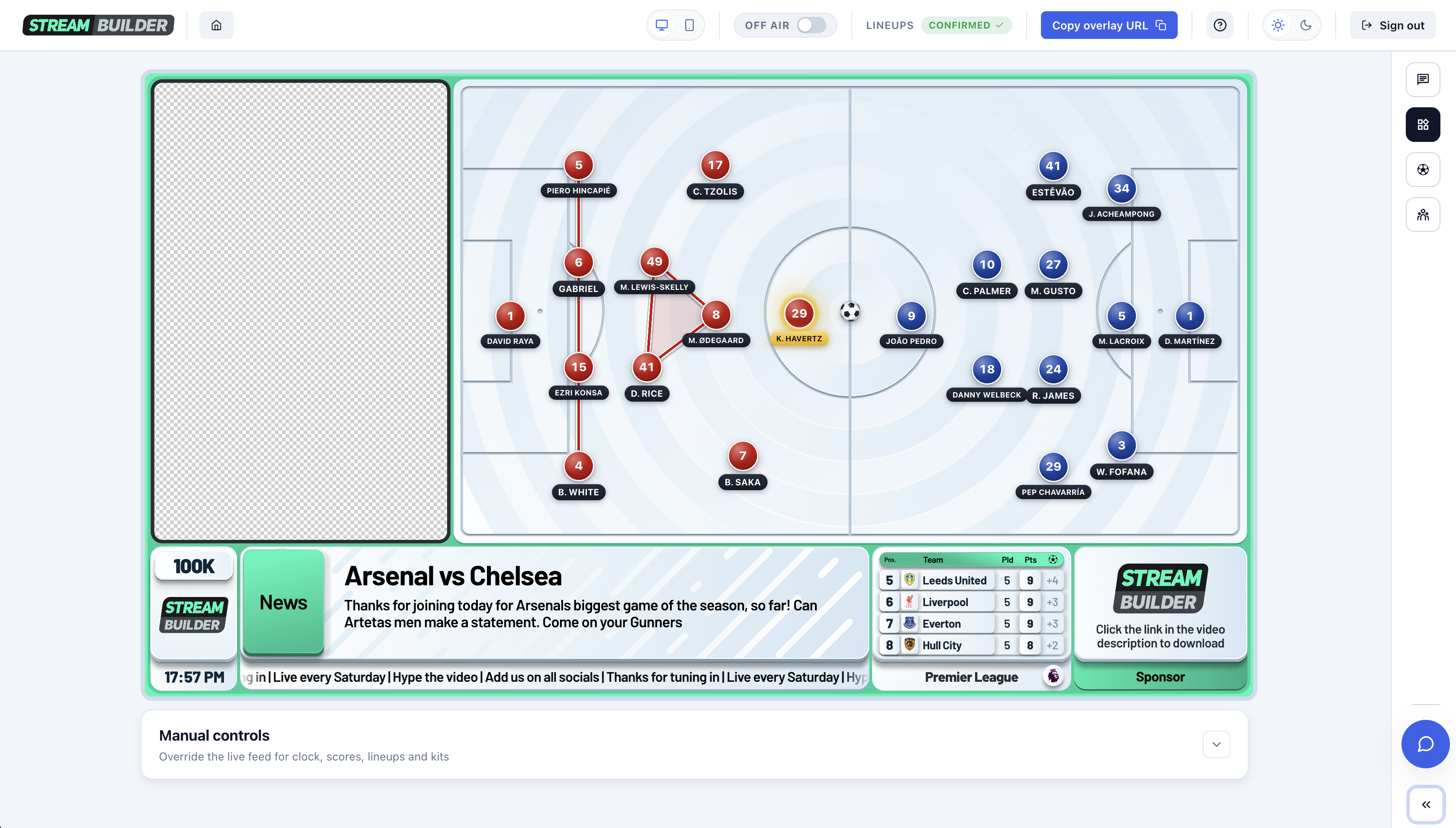
Like the rest of Stream Builder, the transfer widget runs as a browser source. You add the URL in OBS, StreamYard or Streamlabs and place it over your camera, with no plugins to install. If you are still choosing your software, here is our StreamYard vs OBS comparison.
Because it sits in the same overlay as your other graphics, you can switch between a watchalong and a transfer show without rebuilding your scenes. Want to see the full overlay in action? Watch our watchalong demo.
Built around your brand
Every Stream Builder package is designed in your channel's colours, with your logo and your sponsors built in. We also offer a completely bespoke redesign of all widgets, so your transfer graphics look like they belong to your channel and nobody else's.
A sponsor slot that stays on screen through every transfer story is also an asset you can sell. Here is how fan channels land sponsors.
Keeping the show engaging
- Put superchats on screen as they land, so viewers who pay to join the conversation see it in the stream.
- Use the widget to back up opinions with facts. A hot take with stats on screen is harder to dismiss.
- Treat each rumour as a segment with a clear start and finish, and use the widget as the opener.
Frequently asked questions
What is a transfer widget?
A transfer widget is an on-screen graphic that shows a player's key details, such as age, club, position, nationality and stats, while you cover a transfer story on stream. It gives viewers instant context for the news you are breaking.
Do I need special software to use transfer widgets?
No. Stream Builder widgets run as a browser source, so they work in OBS, StreamYard, Streamlabs and any other tool that supports browser sources.
Can the transfer widget match my channel's branding?
Yes. Every package is designed in your colours with your logo and sponsors, and we offer a completely bespoke redesign of all widgets. Get in touch and we will scope it with you.
Can I use transfer widgets outside the transfer window?
Yes. Player cards are useful any time you are covering a player, from rumour shows and match analysis to watchalongs and player comparisons.