
StreamYard vs OBS: Which Should Your Fan Channel Use?
Every fan channel hits this decision early: OBS or StreamYard? Both can run a professional stream, both are used by big channels, and both work with broadcast-quality overlays. Our recommendation is OBS: it delivers the best quality streaming and graphics, and it's completely free. But the right answer depends on how your show is made, so here's the honest comparison from the perspective of what fan channels actually do on match day.
The short answer
OBS Studio is free desktop software with unlimited control: scenes, sources, encoder settings, plugins. StreamYard is a browser-based studio built for simplicity, with remote guests as its killer feature. For most fan channels we recommend OBS: it gives you the best streaming quality and the sharpest graphics rendering without costing a penny, and it's what the majority of Stream Builder channels run on match day.
The case for OBS
- Completely free, forever, with no watermarks or feature gates.
- Full control over quality: encoder, bitrate, keyframe interval, and resolution are yours to set (our OBS settings guide covers the exact values for YouTube).
- Unlimited scenes and sources, so pre-match, in-match, and post-match layouts are one click apart.
- Everything runs locally, so your stream quality depends on your machine and connection, not a third-party service.
The trade-off is that OBS asks more of you. There's a learning curve, and your computer does the encoding work, so an older machine can struggle at 1080p.
The case for StreamYard
- Runs entirely in the browser: nothing to install, nothing to configure, works the same on any machine.
- Remote guests join with a link. For two-host watchalongs, fan debates, and guest interviews, this is the feature that decides it.
- Comments from your live chat can be brought on screen in a couple of clicks.
- Encoding happens in the cloud, which takes the load off a weaker computer.
The trade-offs run the other way: the full feature set needs a paid plan, and you give up the fine-grained control over encoding and layouts that OBS hands you.
The fan-channel deciding questions
- Do you stream solo from one desk? OBS gives you more quality for zero money.
- Do co-hosts or guests join remotely most streams? StreamYard removes an entire category of technical pain, though OBS can do it too with VDO.Ninja for free.
- Is your computer older or a laptop? StreamYard's cloud encoding will be smoother.
- Do you want total control of how every pixel looks? That's OBS.
The part that doesn't change: your graphics
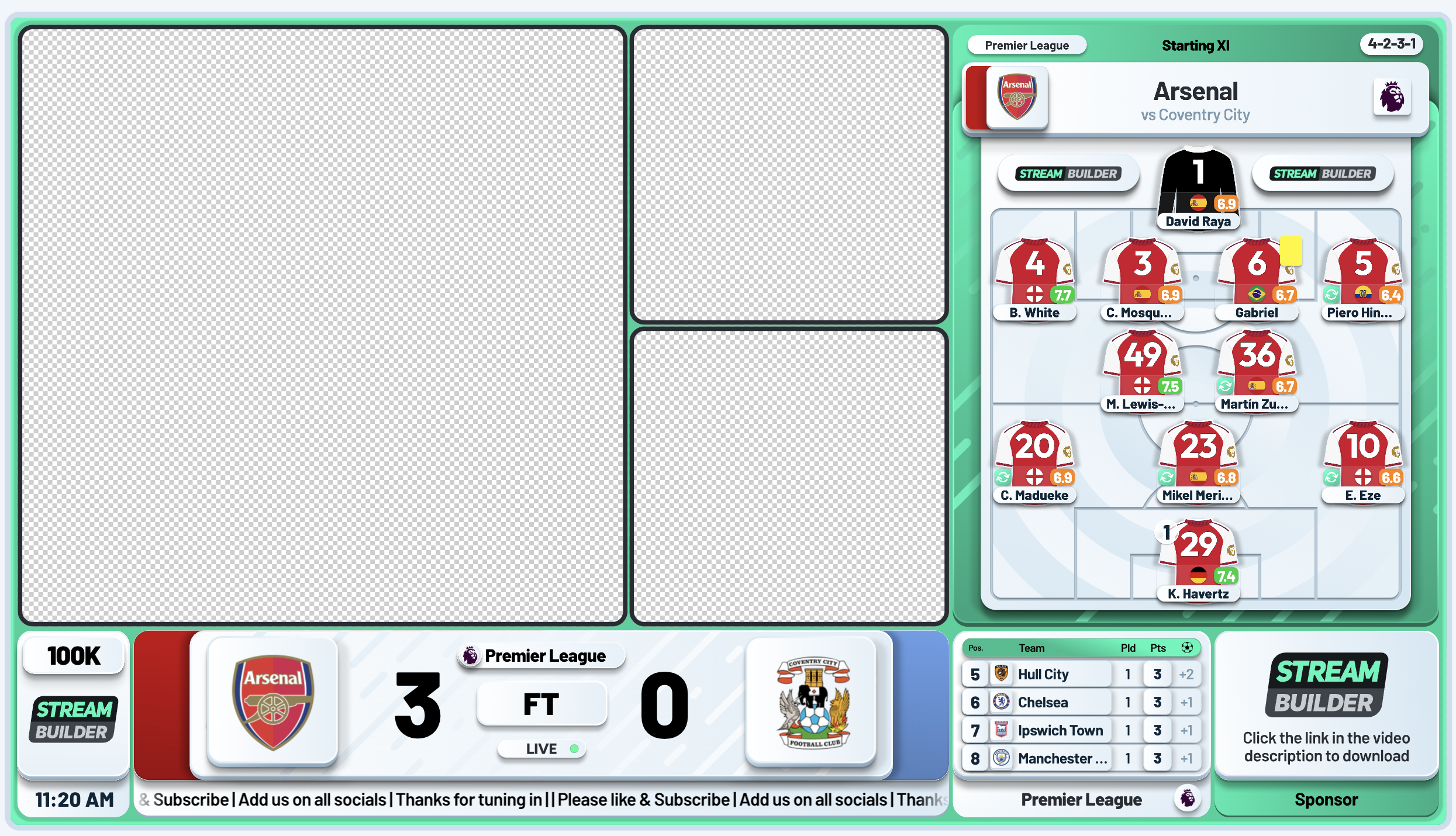
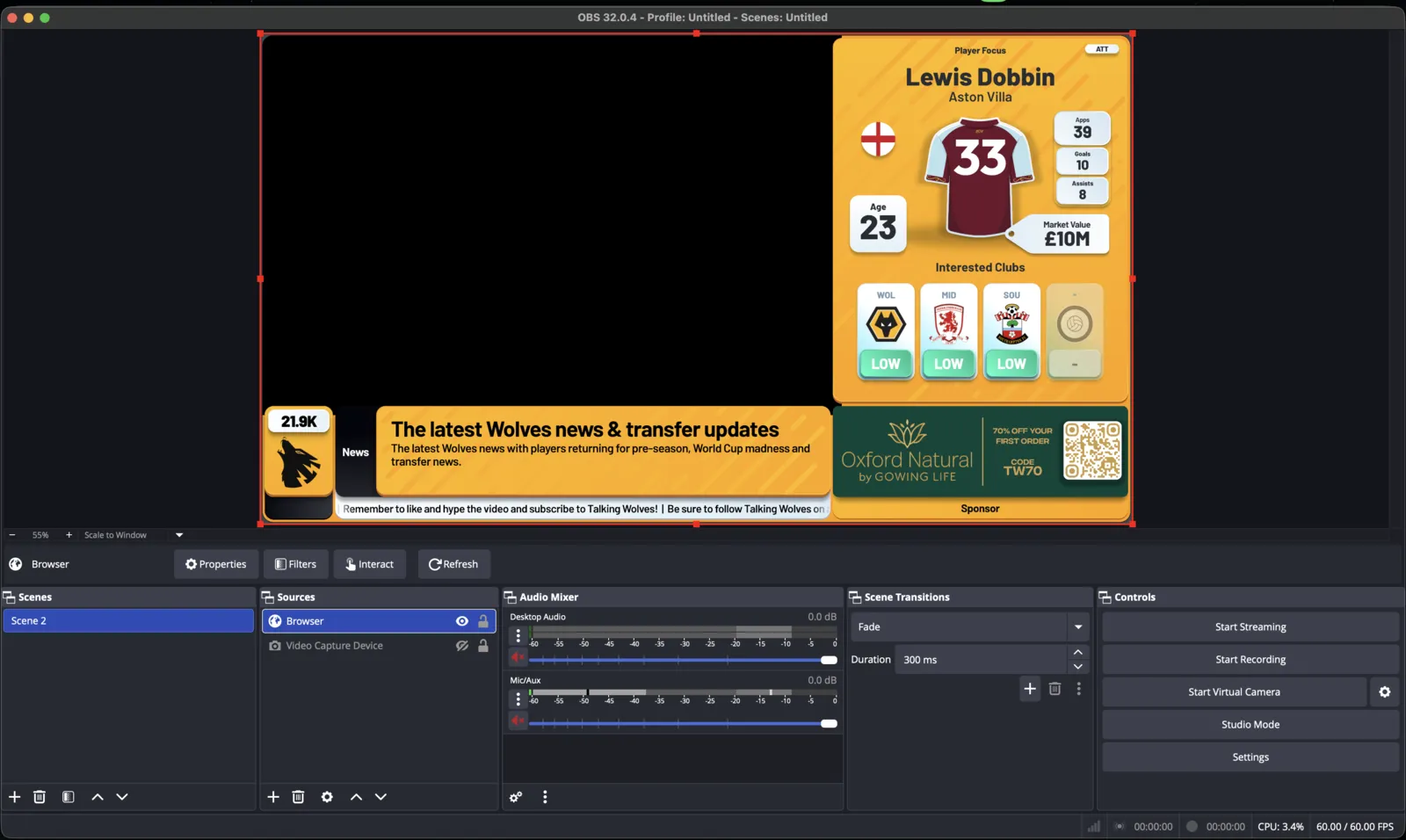
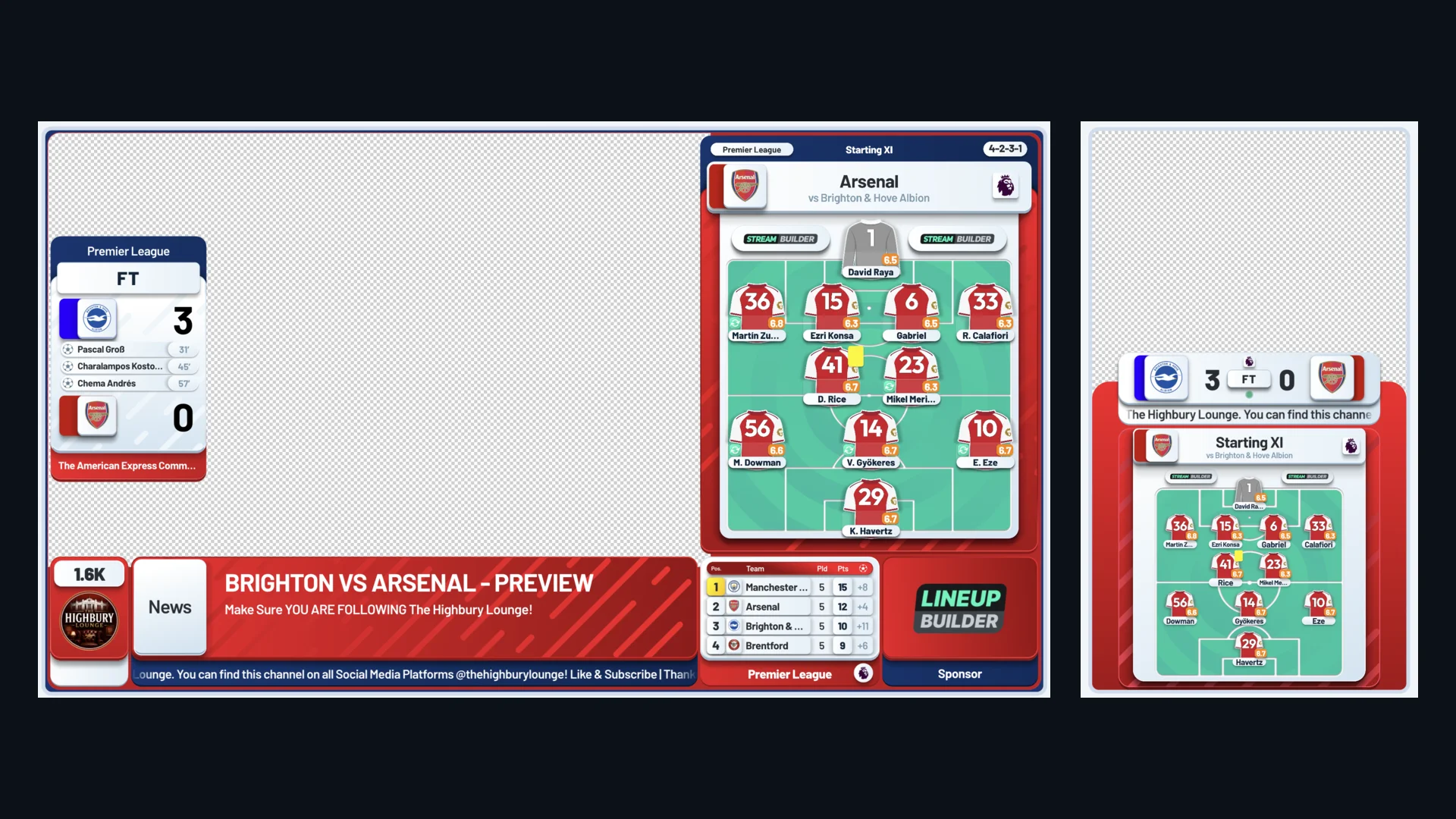
Whichever you pick, professional overlays work the same way: a browser source, one URL, rendered on top of your camera. Stream Builder runs identically in OBS, StreamYard, and Streamlabs, so your score bug, lineups, live stats, and sponsor slot follow you if you ever switch tools. The platform decision is reversible; your brand and graphics carry over untouched.
“The tools are dead simple, the layouts actually make my streams pop, and the support team? Fast, friendly, and they actually give a damn.”
Christian Gladdish, Footie Social Club
Frequently asked questions
Is StreamYard free?
There's a free tier with StreamYard branding on your stream; the full feature set, including higher-quality output, needs a paid plan. OBS is completely free with no watermarks.
Which is better for a football watchalong?
We recommend OBS: the best streaming quality and graphics rendering, completely free. The exception is multi-host watchalongs with remote co-hosts, where StreamYard's join-by-link guests make life much easier. If you'd rather stay in OBS, VDO.Ninja gives you the same join-by-link guests with a bit more setup.
Can I use overlays in StreamYard?
Yes. Stream Builder works in StreamYard the same way it works in OBS: one browser link, and your score bug, lineups, and live stats render over your stream.
If I switch from StreamYard to OBS, do I lose my graphics?
No. Your overlay is a URL, not something built inside either tool. Add the same link in the new software and your graphics carry over exactly as they were.