
What Is a Score Bug? Anatomy, Examples, and How to Get One
Mute any football broadcast and you can still follow the match, because one small graphic is doing an enormous job. The teams, the score, the clock, the competition: all of it lives in the score bug. It's the hardest-working element on the screen, and for fan channels running football watchalongs, it's the single graphic that separates a broadcast from a webcam.
So, what is a score bug?
A score bug is the persistent on-screen graphic that shows the current state of the match: which teams are playing, the score, and the match clock. The name comes from broadcast television, where a 'bug' is any graphic that stays on screen throughout the programme rather than appearing and disappearing. Sky Sports, TNT Sports, and every major broadcaster in the world anchors their coverage with one, usually in the top corner of the screen.
The anatomy of a good score bug
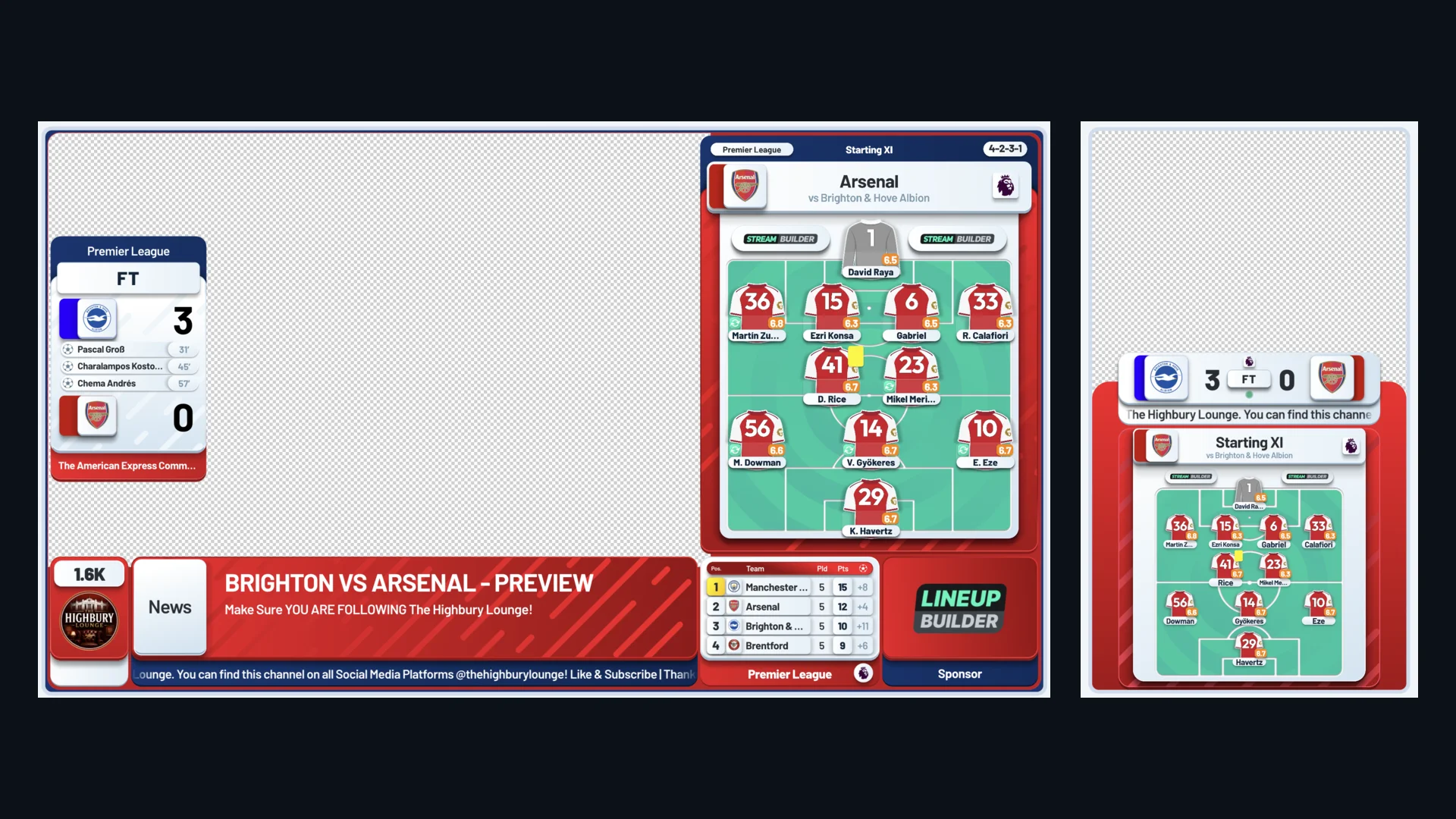
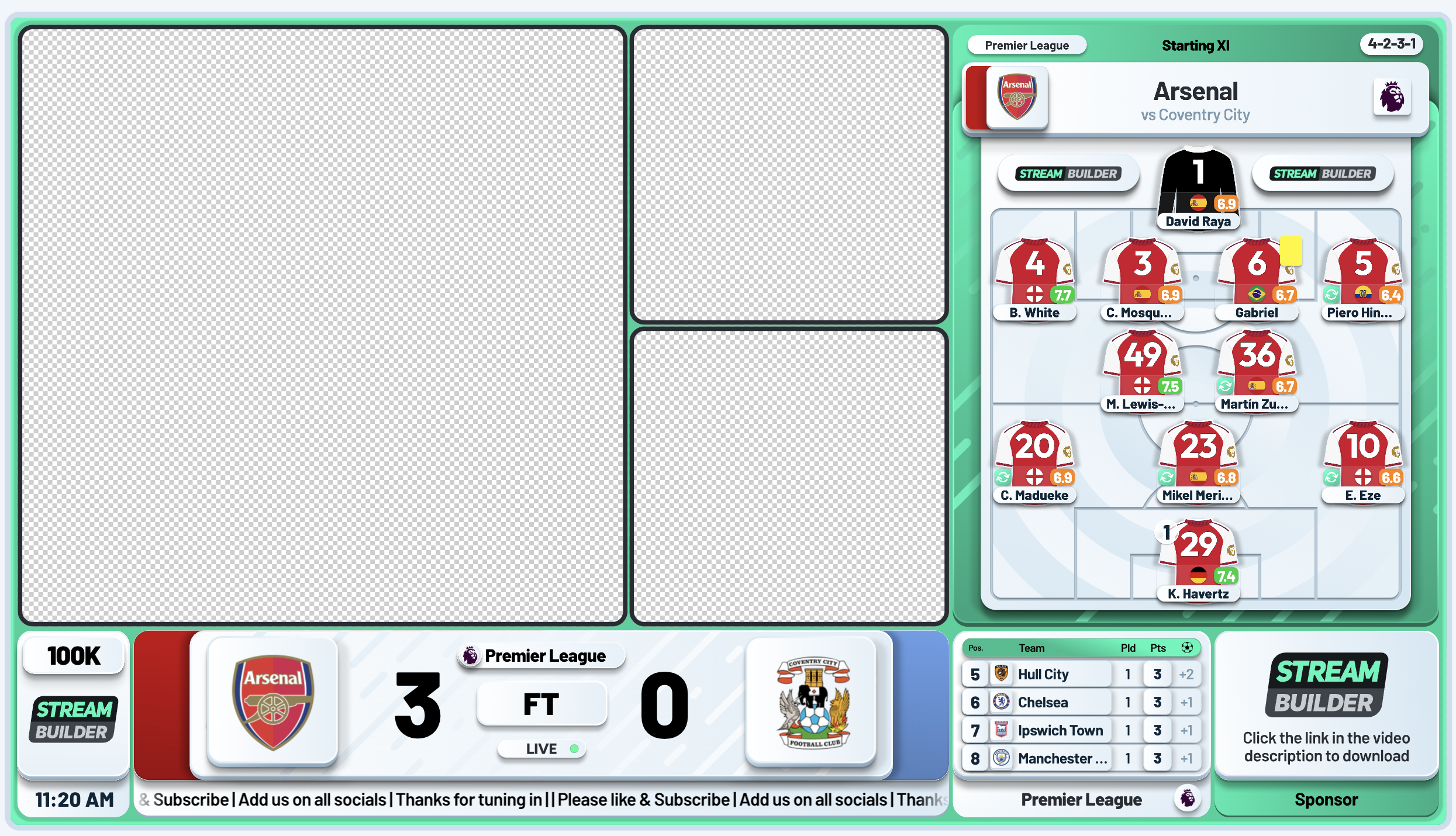
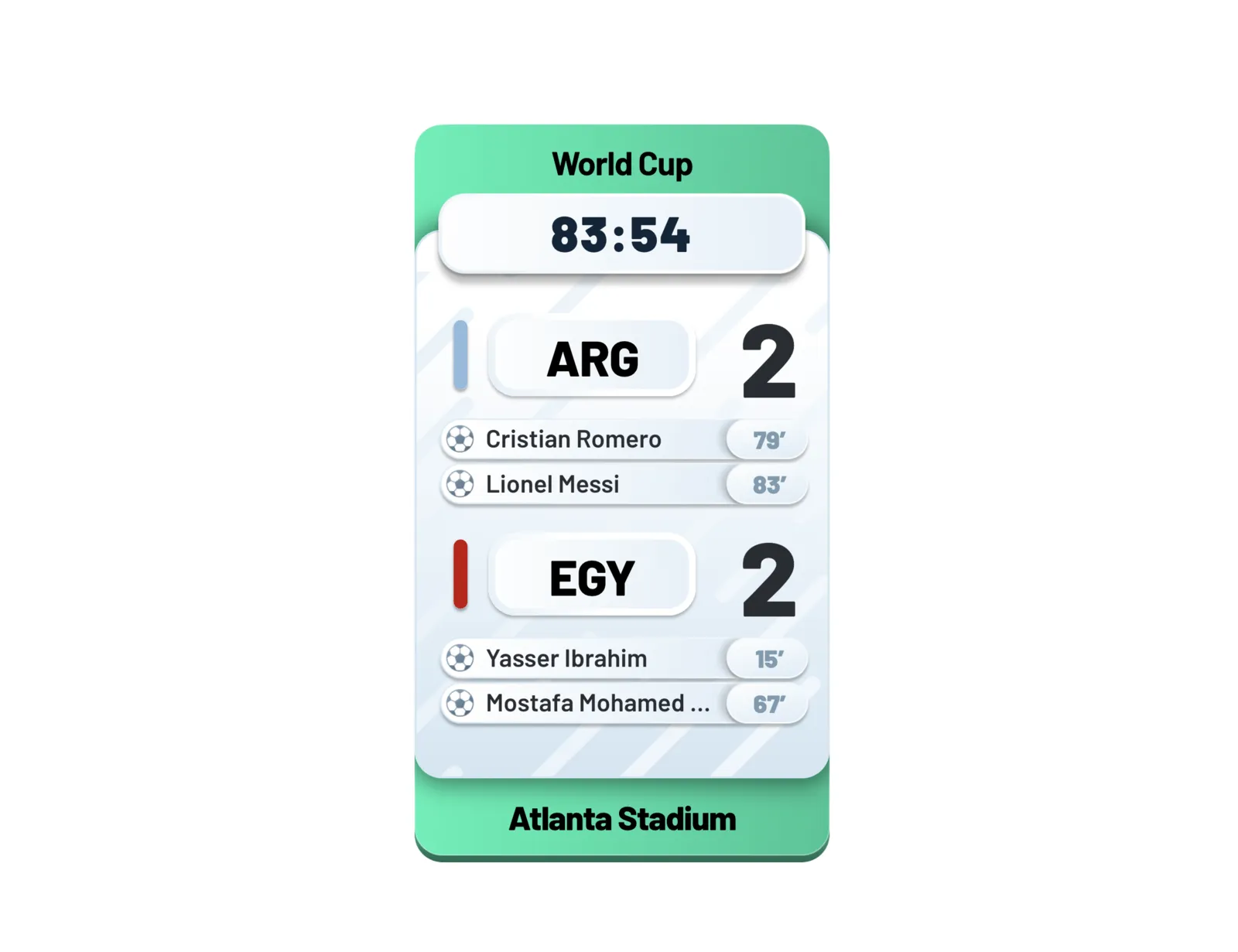
A basic score bug carries three things: team names (usually three-letter abbreviations), the score, and the running clock. A broadcast-grade one carries much more:
- Goalscorers and the minute they scored, shown as the goals go in.
- Cards and substitutions, so viewers who look away never lose the thread.
- Added time, shown alongside the clock.
- The competition name or badge, which matters when your channel covers league, cup, and European nights.
- Club colours and badges, so viewers recognise the fixture at a glance.
Why fan channels need one more than broadcasters do
On a watchalong you never show the match footage, which means your viewers' only anchor to the game state is your overlay. Everyone's feed runs at a slightly different delay, people join mid-match, and chat moves fast. The score bug is what keeps every viewer oriented: who's playing, what's the score, how long is left. Without it, every new arrival asks the same question in chat. With it, your stream reads as a broadcast from the first second.
Design principles that make a score bug work
- Legibility first: it must read instantly at small sizes, because plenty of viewers watch on phones.
- High contrast between the text and the background, whatever colours the clubs bring.
- Consistent position, conventionally a top corner, clear of your camera and your chat overlay.
- Your branding, not a template: the bug is on screen for three hours, so it should look like your channel.
Manual vs automated: the difference on match day
A manual score bug is a text layer you edit mid-stream: every goal, card, and substitution means tabbing into your software while you're supposed to be reacting. An automated score bug is connected to live match data, so the score, clock, scorers, and cards update themselves the moment they happen. This is how Stream Builder's score bug works: it runs on real-time data for the Premier League, Championship, Champions League, and major internationals, and you never touch it during the game. It's the same system behind Anfield Agenda's automated match days.
“The automated lineups, live match stats, and real-time superchat display have taken our streams to a new level.”
Craig Houlden, Anfield Agenda
How to add a score bug to your stream
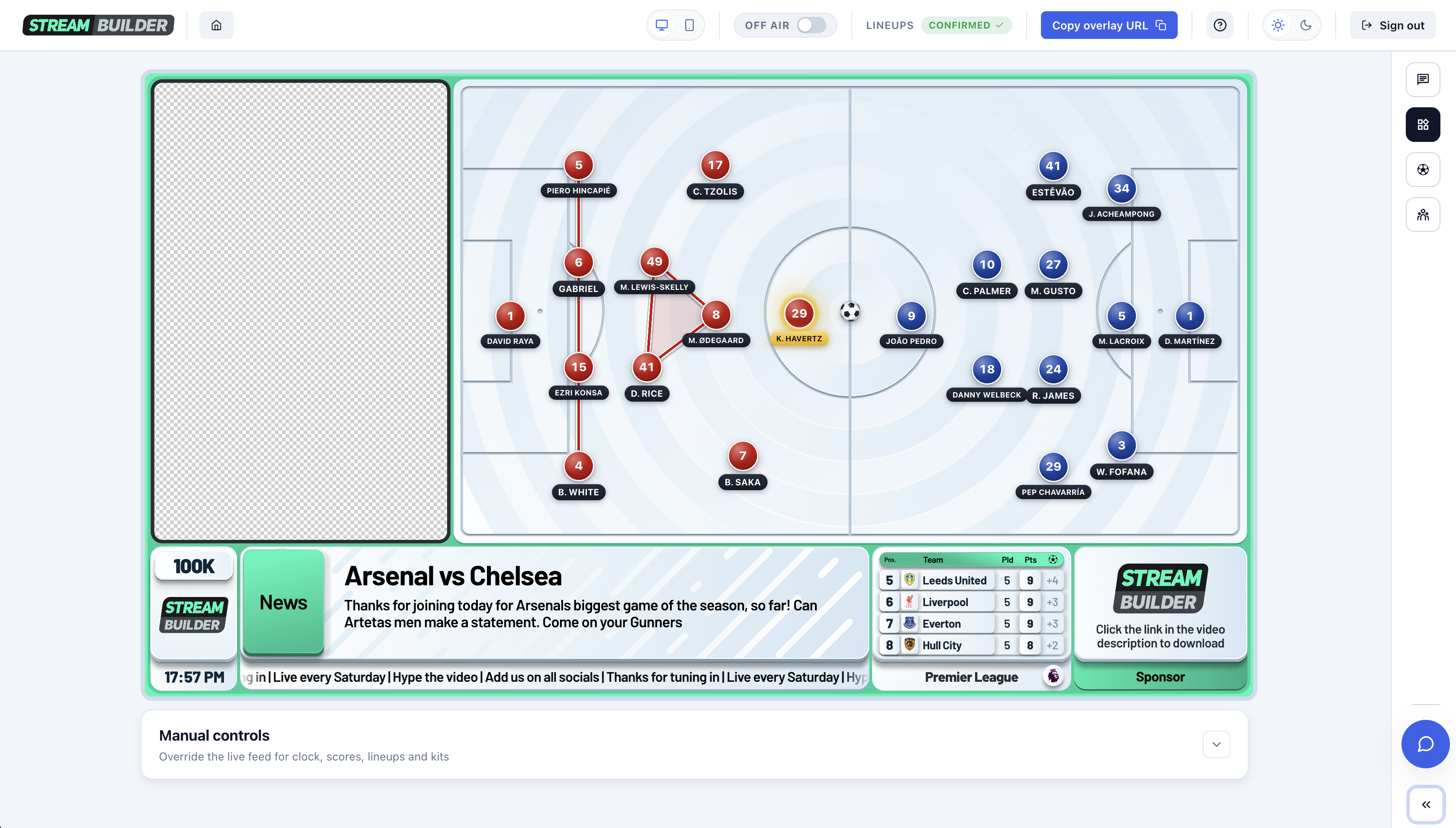
Modern overlay systems run as a browser source: a web page rendered on top of your camera in OBS, StreamYard, or Streamlabs. You add one URL, size it to 1920x1080, and the score bug (along with lineups, stats, and the rest of your overlay) sits on top of your stream and runs itself. If you want the full walkthrough, our OBS setup guide covers the exact settings step by step.
Frequently asked questions
What does a score bug show?
At minimum: the two teams, the current score, and the match clock. Broadcast-grade score bugs also show goalscorers, cards, substitutions, added time, and the competition.
Why is it called a score bug?
In broadcast television, a 'bug' is any graphic that stays on screen for the whole programme rather than appearing and disappearing. The score bug is the version that carries the score and clock.
Can I add a score bug in OBS?
Yes. Add it as a browser source: paste the overlay URL, set it to 1920x1080, and place it above your camera in the source list. It renders on top of your stream like any broadcast graphic. Our OBS settings guide has the full walkthrough.
Does Stream Builder's score bug update automatically?
Yes. It's connected to live match data, so the score, clock, goalscorers, cards, and substitutions update in real time without you touching anything mid-stream.